Click to download now, finish the installation quickly, and directly unlock the all-round experience
Screenshots


Click to download now, finish the installation quickly, and directly unlock the all-round experience
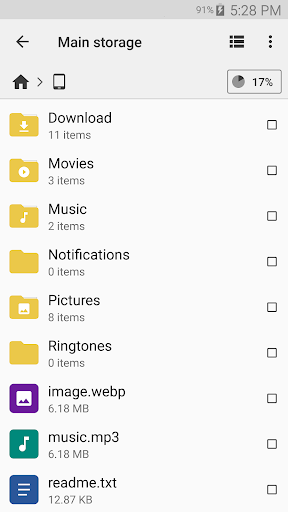
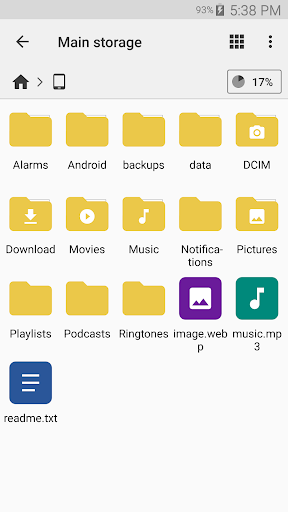
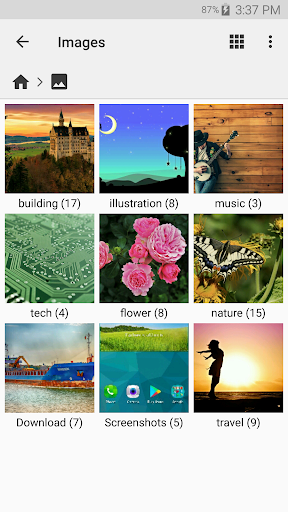
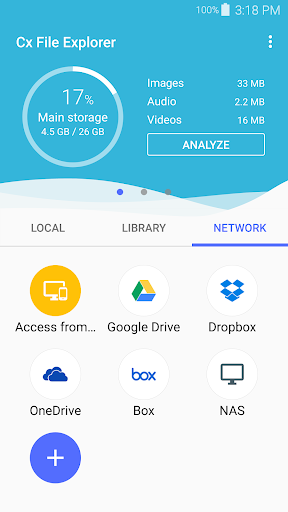
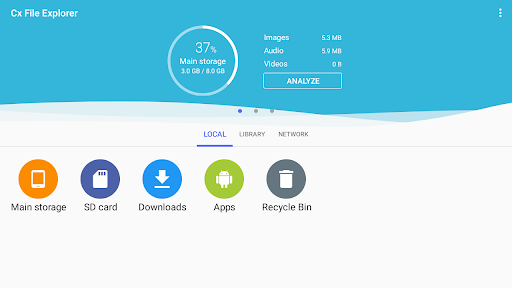
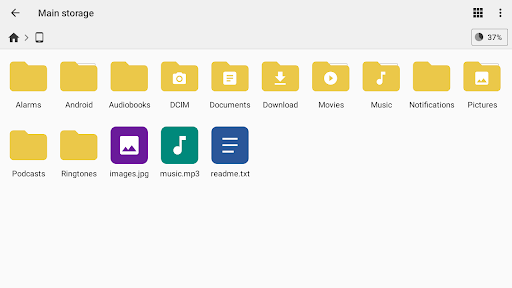
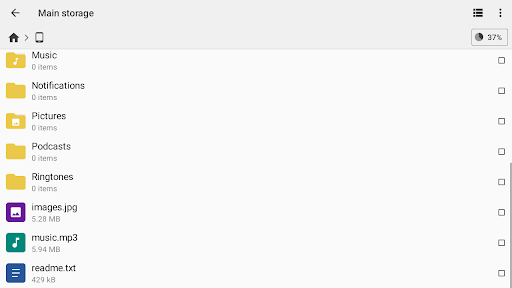
Cx File Explorer is an Android file manager for browsing and organizing files on a device, with access to cloud storage and shared or remote locations. It suits people who want to handle files in one place, whether they are tidying folders on a phone or connecting to a network storage service. The developer is listed as Cx File Explorer.
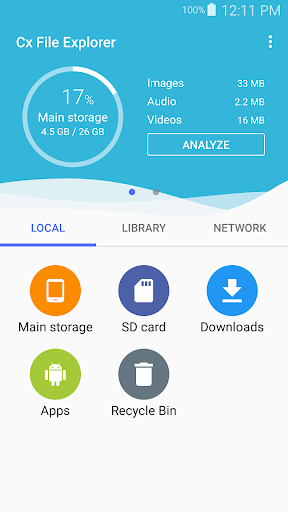
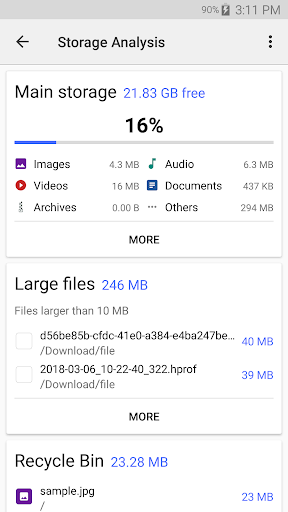
For local files, the app supports common tasks such as copying, moving, renaming, compressing, extracting, sharing and deleting. It can also connect to network storage through protocols including FTP, SFTP, SMB and WebDAV. The listing describes tools for managing installed apps and viewing storage use, including a visual breakdown to help identify where space is going.
That makes it more than a folder browser, but the range of connections may matter mainly to users who already use network or cloud storage. Someone who only needs occasional access to documents may not use much of that breadth.
The app has a 4.75 rating from 353,916 ratings. That is a high score supported by a substantial number of responses, so it carries more weight than a similar average based on a small handful. It still summarizes user ratings rather than guaranteeing that every feature works equally well for every device or setup.
10,000,000+ installs indicates broad adoption. It does not show how many people still use the app, or whether its network and storage tools match your needs.
Cx File Explorer is worth considering if you regularly organize local files, inspect storage, or need to reach shared folders and cloud files from Android. If your needs are limited to opening and moving a few files, a simpler manager may be enough; the install count alone is not a reason to choose it.